
Your publishing desk.
Write, review, and publish on compatible PHP hosting. No Node.js runtime needed.
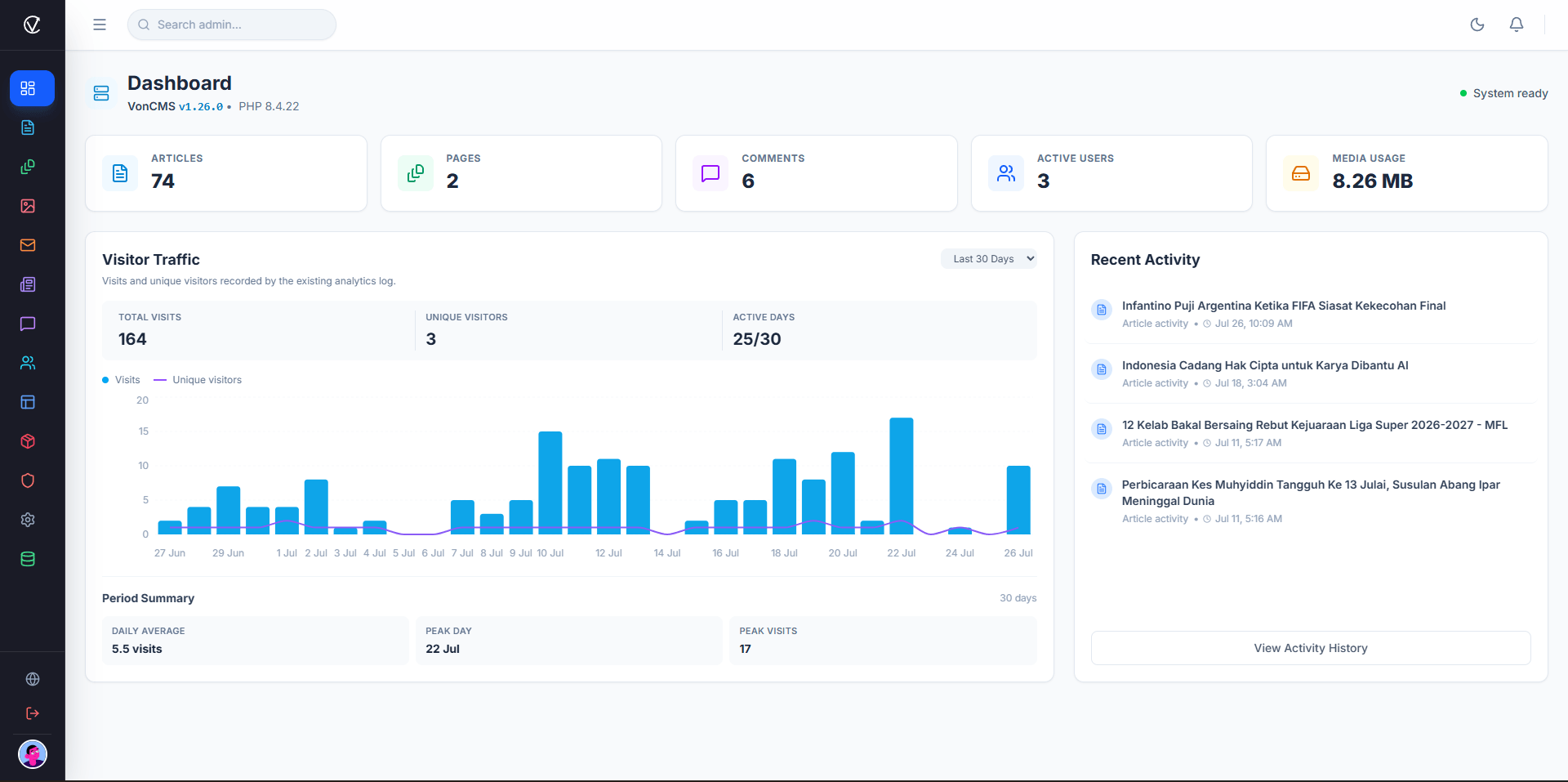
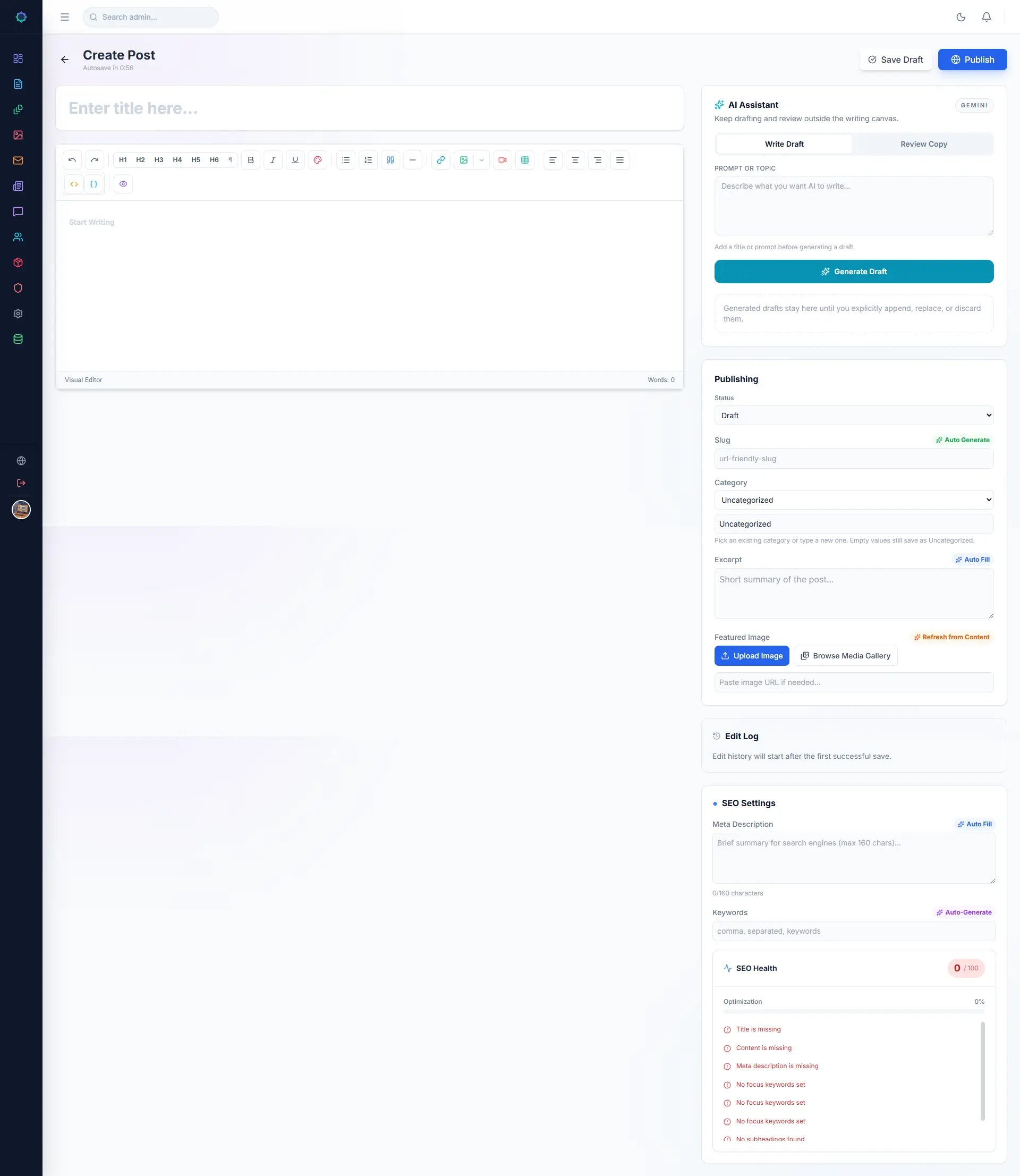
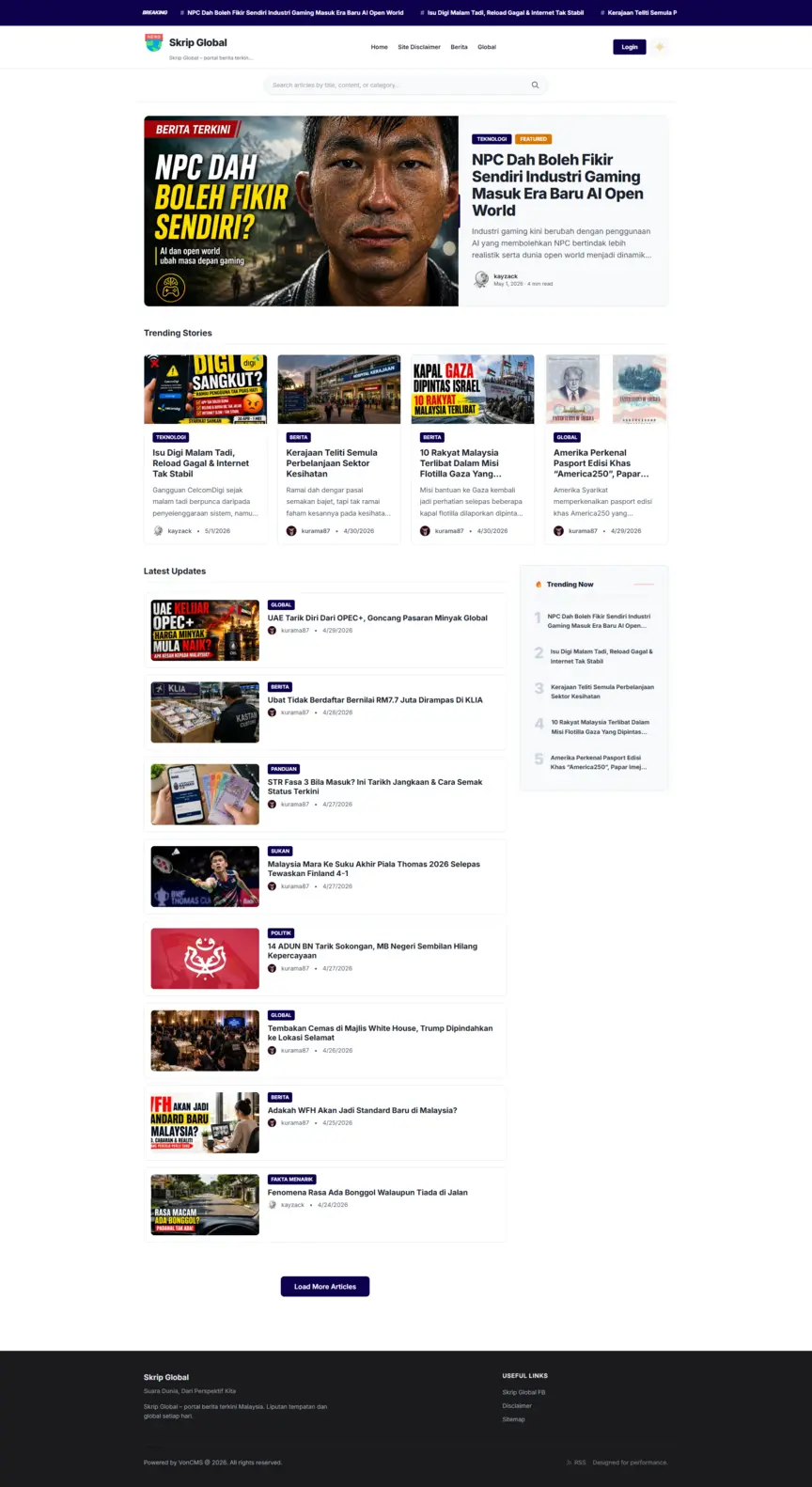
SkripGlobal is a live news publication running on VonCMS.
Visit SkripGlobal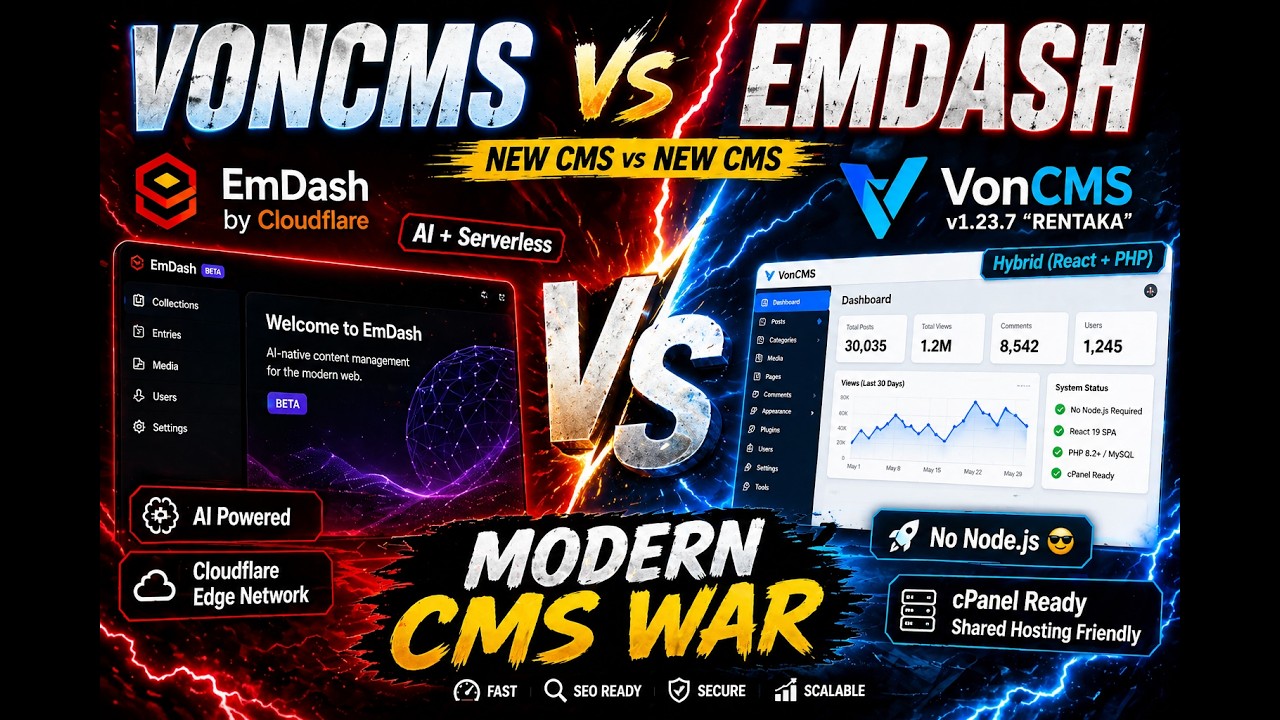 Watch the walkthrough
Built for publishers and small newsrooms.
Start a blog, cover your community, or run a small newsroom. Keep the tools for writing, reviewing, and reaching readers in one place.

From a first draft to a published story.
Writers prepare the story. Authorized reviewers decide when it goes live.
- 01
Write
Prepare the article with text, images, and publishing details.
- 02
Submit
Send the draft for review without giving writers publishing access.
- 03
Review
Return it for changes, schedule it, or approve it for publication.
- 04
Publish
The story goes live on your website for readers to find.
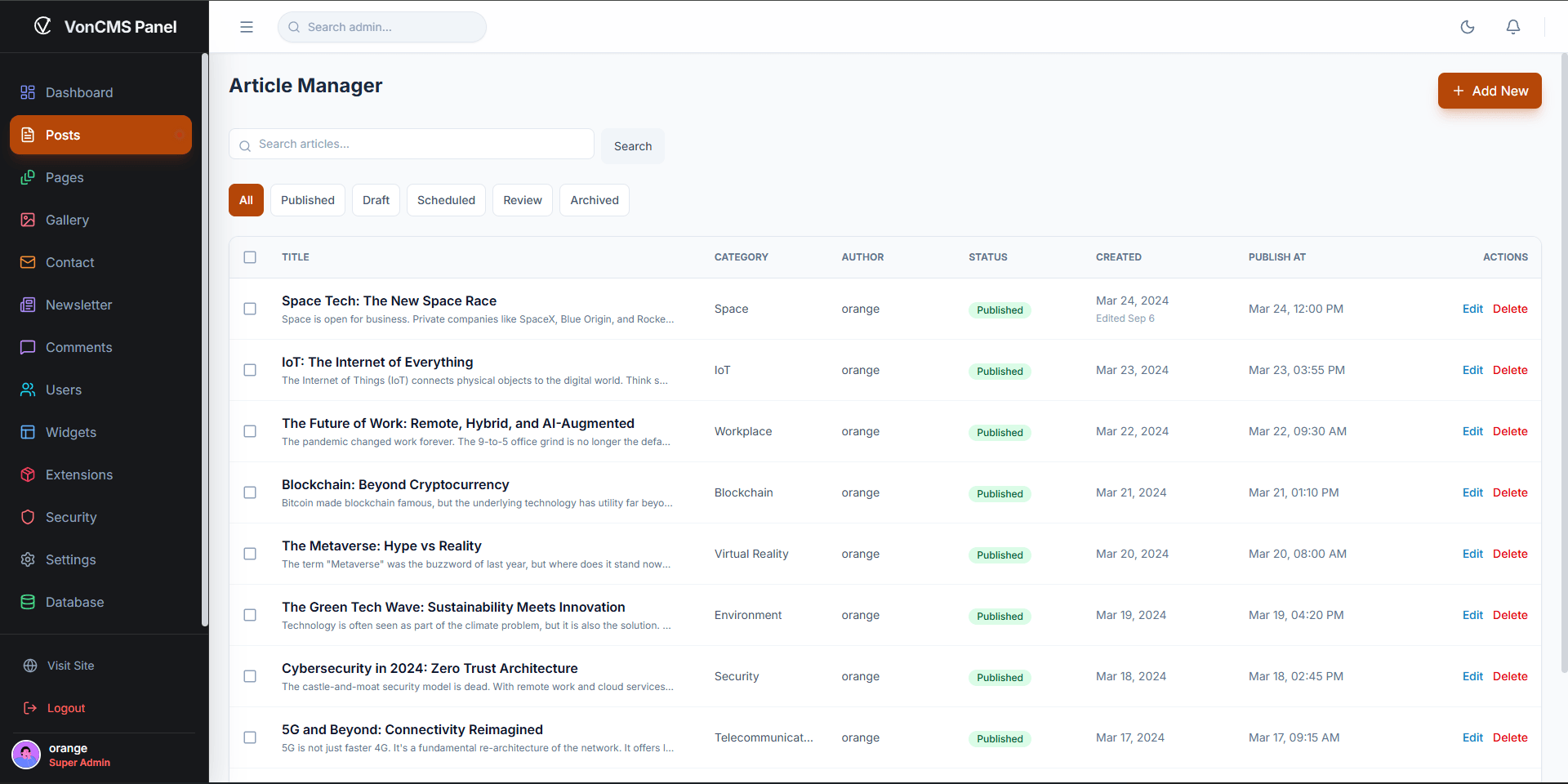
Writers can withdraw and revise drafts. Publishing permissions stay with authorized staff.
Editorial guideAway from your desk?
Check your publication, work on a draft, or update site settings from your phone.

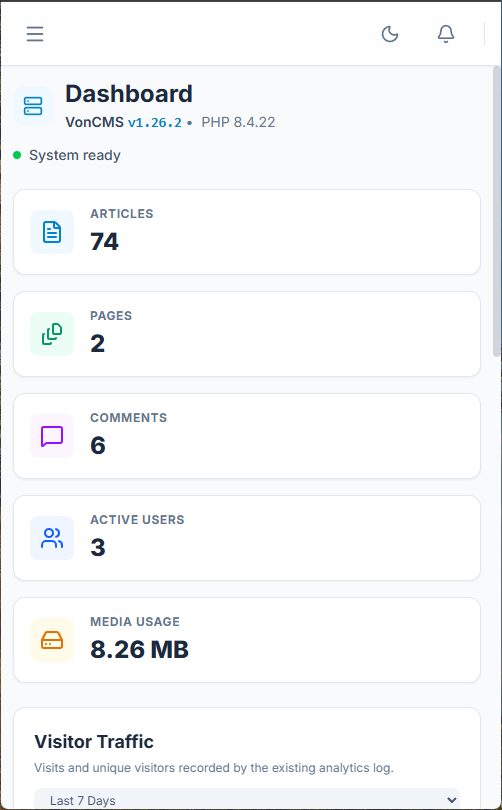
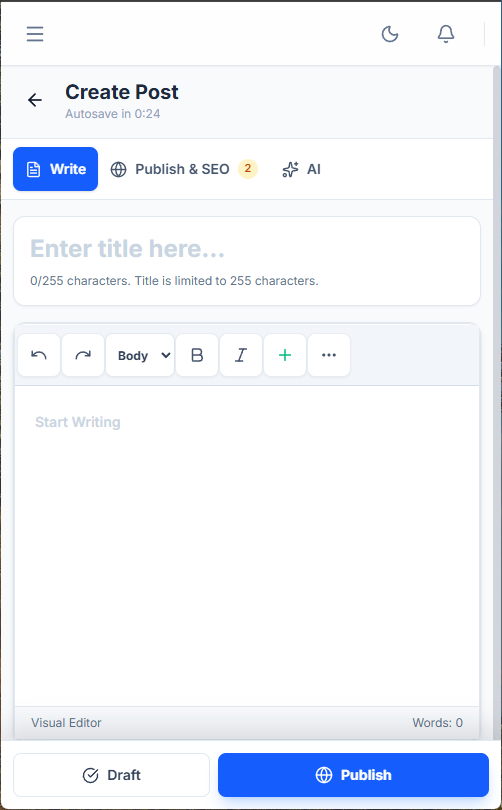
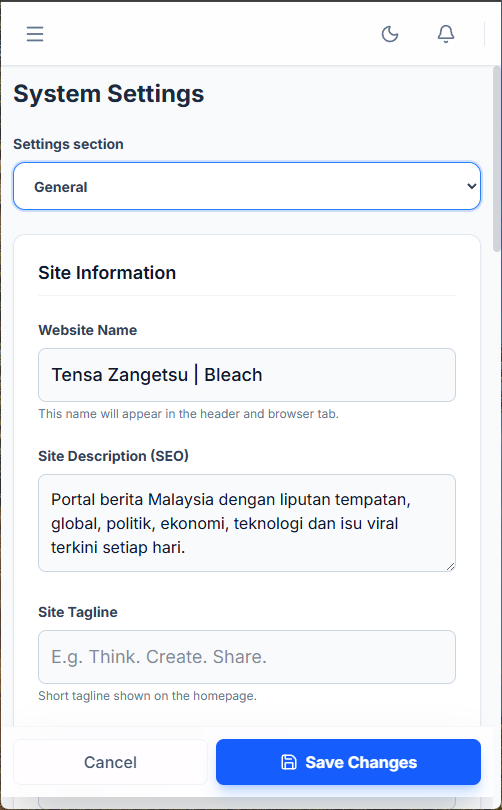
A home for your next publication.
Run VonCMS on compatible PHP and MySQL hosting. No Node.js runtime or separate frontend server required.
- Download VonCMS.
Choose the ready-to-install package, named Deploy ZIP in each release.
- Upload it to your hosting.
Extract the package into your website directory and create a database.
- Finish setup in your browser.
Open the installer, enter the setup key from your hosting files, then connect the database and create your admin account.
Is VonCMS meant to replace WordPress?
Not for everyone. WordPress has a mature ecosystem and serves many kinds of websites. VonCMS is a smaller, publishing-focused alternative for people who want a self-hosted editorial workflow, bundled themes, and direct access to their source and data. Choose the CMS that fits your publication.
Do I need Node.js to run VonCMS?
No. The Deploy ZIP includes built frontend assets and runs on PHP and MySQL hosting. Node.js and npm are only needed if you develop from source or create a custom build.
Is VonCMS free and open source?
Yes. VonCMS is released under GPL-3.0-only. The software is free; your hosting, domain, and any optional paid services are separate costs. If you distribute modified copies, follow the license requirements.
Can I bring content from WordPress?
VonCMS includes a WordPress XML importer. Test an import on a staging site first, and check articles, media, categories, and links before changing your live website. WordPress themes and plugins are not interchangeable with VonCMS.
Compare publishing CMS options.
Check hosting, editorial tools, and the setup you want to maintain. VonCMS is one option, not the answer to every website.
Compare with WordPress, Ghost, and other CMSs
| What matters | VonCMS | WordPress | Ghost | EmDash | Grav | Strapi | Payload | October CMS |
|---|---|---|---|---|---|---|---|---|
| Hosting | PHP + MySQLDeploy ZIP with built assets. No Node.js runtime. | PHP + MySQL / MariaDBSelf-hosted or managed hosting. | Node.js or Ghost(Pro)Self-host the app or use its managed service. | Workers or Node.jsA TypeScript CMS built on Astro. | PHP + filesFlat-file CMS with no database required. | Node.js + SQL databaseHeadless APIs with a frontend you build or integrate. | Node.js + Next.jsMongoDB, PostgreSQL, or SQLite adapters. | PHP + databaseComposer-based setup with a required license key. |
| Team publishing | Writer submissionsStaff review, return, schedule, and publish. | Contributor reviewContributors submit; authorized editors publish. | Staff rolesContributor, author, editor, and admin permissions. | Role permissionsAdministrator, editor, author, and contributor. | Admin users and permissionsCheck your review workflow and permission setup. | Draft & PublishReview Workflows require the Enterprise plan. | Drafts and access controlConfigure publishing rules for your collections. | Backend roles and permissionsBuild the workflow with your chosen content tools. |
| Public SEO | Native public outputMetadata, canonicals, schema, sitemaps, and feeds. | Core and pluginsCore sitemaps and feeds; plugins add richer SEO controls. | Built-in SEOMetadata, canonicals, schema, sitemaps, and social cards. | Astro-based renderingCheck current theme and metadata requirements. | Page metadata controlsCheck theme output, sitemap, and feed plugins. | Frontend implementationYour frontend controls metadata and crawlable pages. | SEO plugin + frontendStore SEO fields and render metadata in your site. | Theme templates and metadataConfigure page metadata and additional SEO output. |
| What to explore | A focused publishing baselineSix themes, an editorial workflow, and open source customization. | A broad ecosystemChoose from a mature theme and plugin ecosystem. | Publication and membership toolsEvaluate newsletters, memberships, and subscriptions. | A TypeScript stackEvaluate sandboxed plugins and deployment options. | Flat-file site managementMarkdown content, themes, and plugin options. | Structured content APIsModel content and connect it to your chosen frontend. | Code-first customizationDefine collections, permissions, and frontend behavior. | Laravel-based customizationThemes, components, and plugins for custom sites. |
A practical fit
Choose VonCMS for PHP hosting, an editorial workflow, bundled themes, and source you can change.
Compare further
Memberships, a specific integration, or your preferred development stack may point elsewhere.
Method and official sources
These notes compare documented capabilities, not speed or security benchmarks. Features can depend on version, plan, plugins, and configuration. Frontend responsibilities follow each product's documented architecture. Check your real workflow before moving.
- VonCMS docs
- WordPress requirements
- WordPress roles
- Ghost SEO
- Ghost roles
- EmDash introduction
- Grav overview
- Grav administration
- Grav page metadata
- Strapi deployment
- Strapi drafts
- Strapi review workflows
- Strapi content APIs
- Payload installation
- Payload drafts
- Payload access control
- Payload SEO plugin
- October CMS installation
- October CMS permissions
- October CMS page templates
Give your next story a home.
See VonCMS in use, or download it to start your own news website or blog.
Latest stable: v1.27.6 · Free and open source · GPL-3.0-only